Passwords

Passwords

Team passwords only you can unlock
Try Passwords →

A team password manager where only you and your team can read what is inside

A password manager for you and your team. Everything is encrypted on your device with your master password before it reaches us, so only you and the people you share with can read it.

Two-factor codes built in

What Passwords does for you

Passwords end up in spreadsheets, chat messages and sticky notes, and nobody knows who has what. Our Passwords app gives you and your team one safe place for logins, keys and notes.

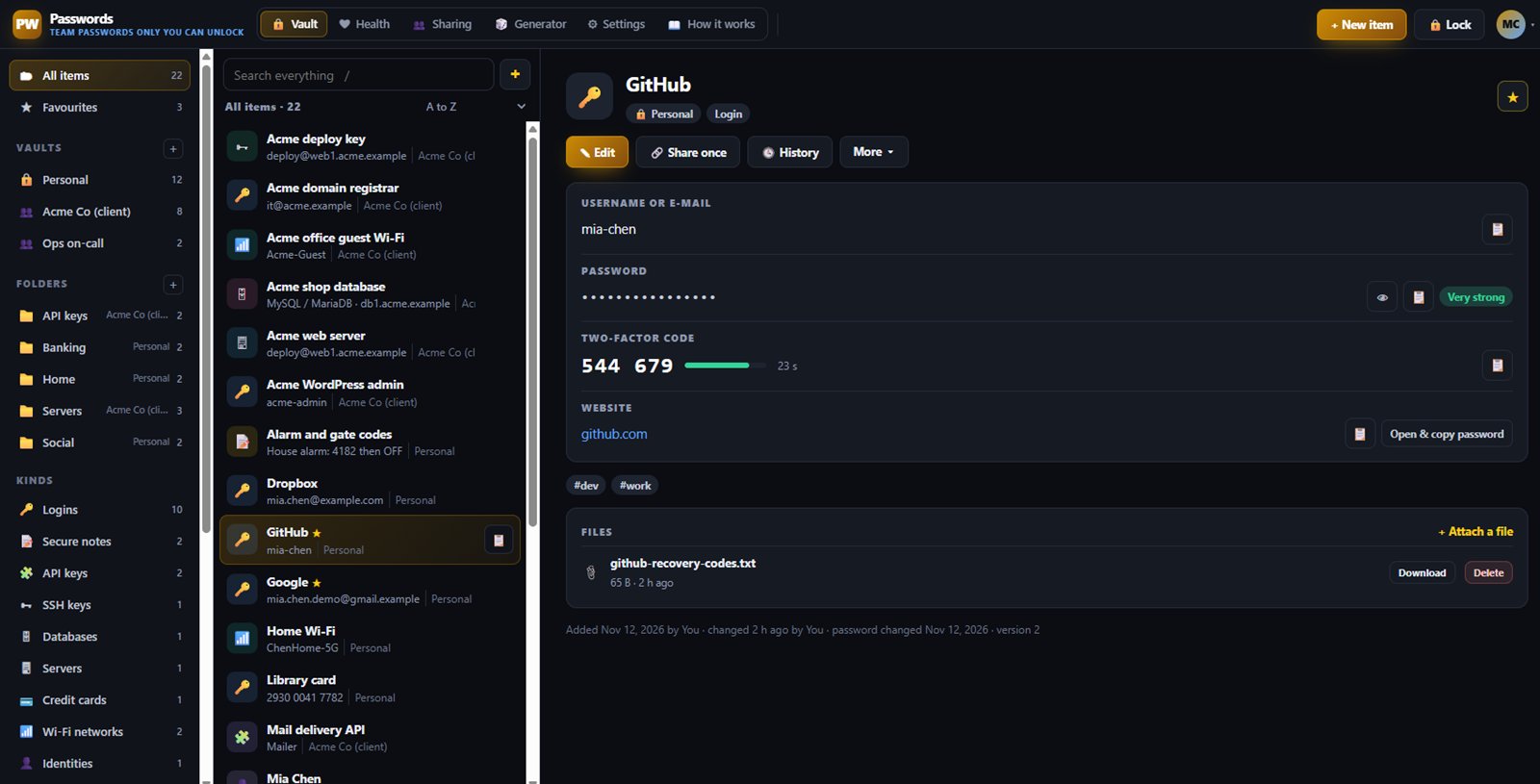
Everything is encrypted in your browser with your master password before it reaches us. We store only scrambled data, so not even our team can read your vault.

Encrypted on your device

Your master password never leaves your browser. Each vault has its own key, and the page locks itself after a few idle minutes and clears copied passwords after 30 seconds.

Shared team vaults

Make shared vaults and invite people as view only, can edit or can manage. When you remove someone, the vault is re-encrypted with a new key so their old access is gone.

More than logins

Store logins, API keys, SSH keys, databases, servers, cards, Wi-Fi, licences and secure notes, with custom fields, encrypted files, tags and version history.

Two-factor codes built in

Add a login's two-factor secret and see the live six-digit code next to the password, so you do not need a separate app for shared accounts.

Health report and generator

Find weak, reused and old passwords, all checked in your browser. Make strong random passwords or easy passphrases in one click.

Import and one-time links

Bring passwords in from Chrome, Firefox, Safari, Bitwarden, LastPass, 1Password, KeePass or Dashlane. Send a secret to a client with a one-time link that stops working after it is opened.
Inside Passwords

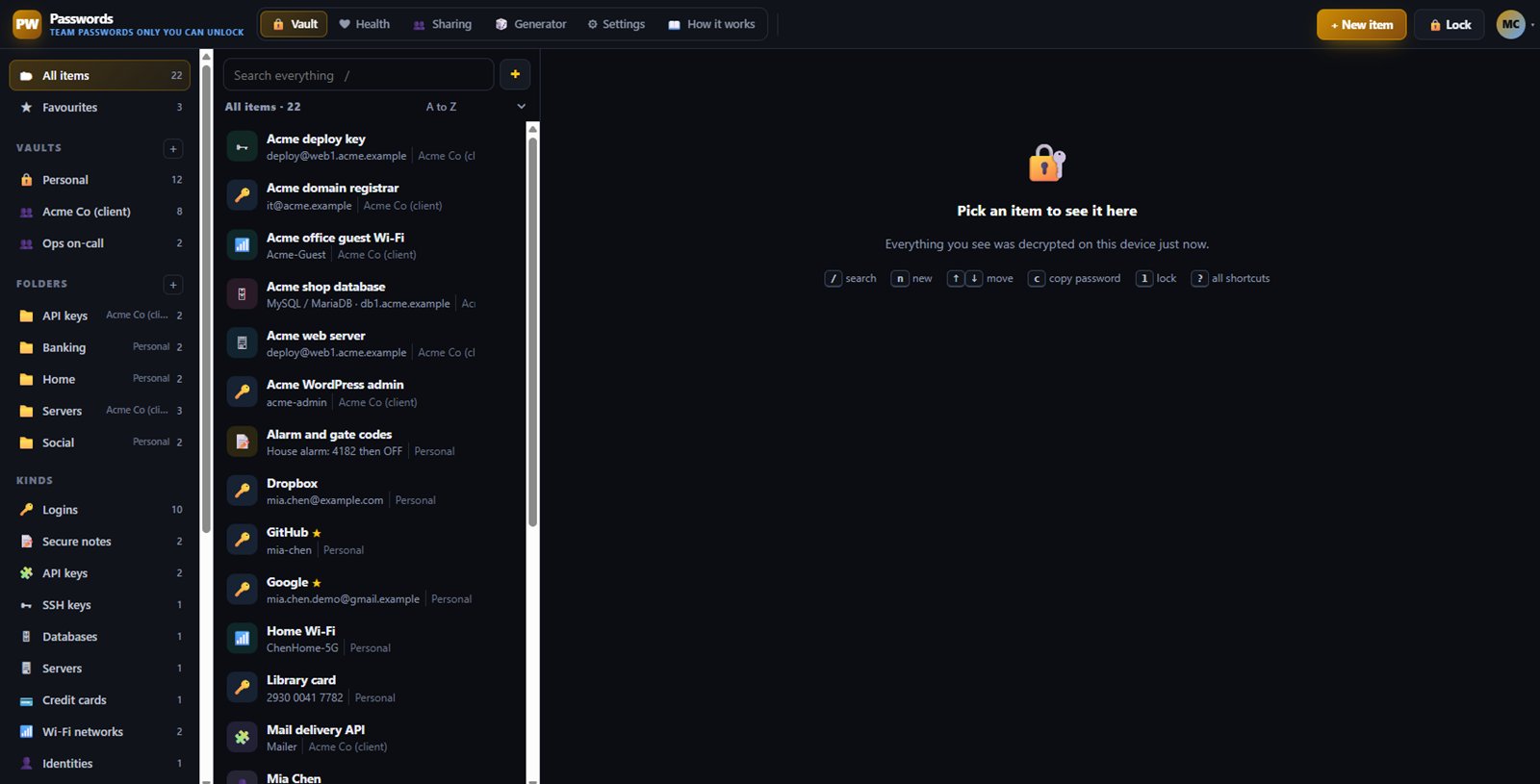
Everything in one encrypted vault

What's included on each plan

Free

Free includes your personal vault and 1 shared vault you own, with 30 days of account activity history.

Starter

Starter lets you own up to 10 shared vaults, with 90 days of activity history.

Business

Business removes the limit on shared vaults, with 365 days of activity history and a CSV export of the activity log.

Included in every WAI plan

One subscription covers this app and every other business app: Free $0, Starter $19/mo, Business $49/mo for 5 users.

LimitFreeStarterBusiness
Shared vaults110Unlimited
Machine tokens (wai-secrets CLI)Not included325
Compare plans →

Questions

What if I forget my master password?

At setup you save an emergency kit with a recovery key. With the kit you can get back in and set a new master password. Without both the password and the kit, nobody can open your data, not even us.

Is there a browser extension that fills in passwords?

Not yet. Today you copy a password or use Open and copy from the item. An autofill extension is on our list.

Is there an API?

No, on purpose. Your vault is encrypted with keys only you hold, so an API could only return scrambled data. Keeping it out also keeps your activity private.

What happens at the shared vault limit?

Your existing vaults keep working. You just cannot create another shared vault until you upgrade or delete one. Vaults other people share with you never count against your limit.

Get started with Passwords

Free tier. No credit card. Change or cancel any time.

Try Passwords →