Quick notes and checklists that work offline and remind you at the right time
Write it down before you forget: quick notes and checklists with colours, labels, pins and reminders that ring in your WAI bell. Works offline, syncs to every device, and every note shows up in WAI Drive.
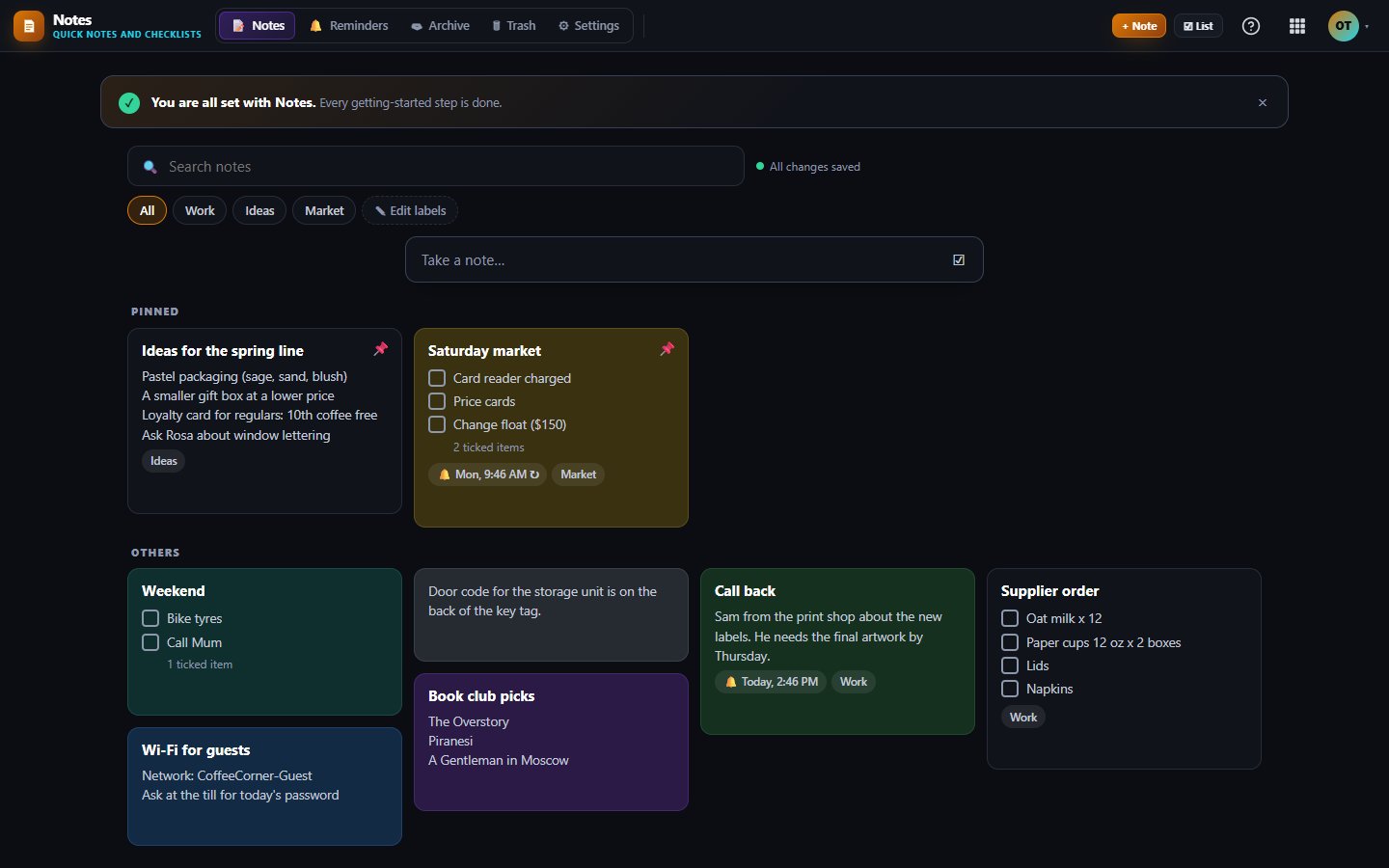
Notes is for the things you need to write down right now: a shopping list, a call to return, an idea, the office Wi-Fi password. Type a note or a checklist, give it a color and a label, and set a reminder that rings in your WAI bell.
Notes save as you type and keep working with no connection. Anything you write offline syncs when you are back online.
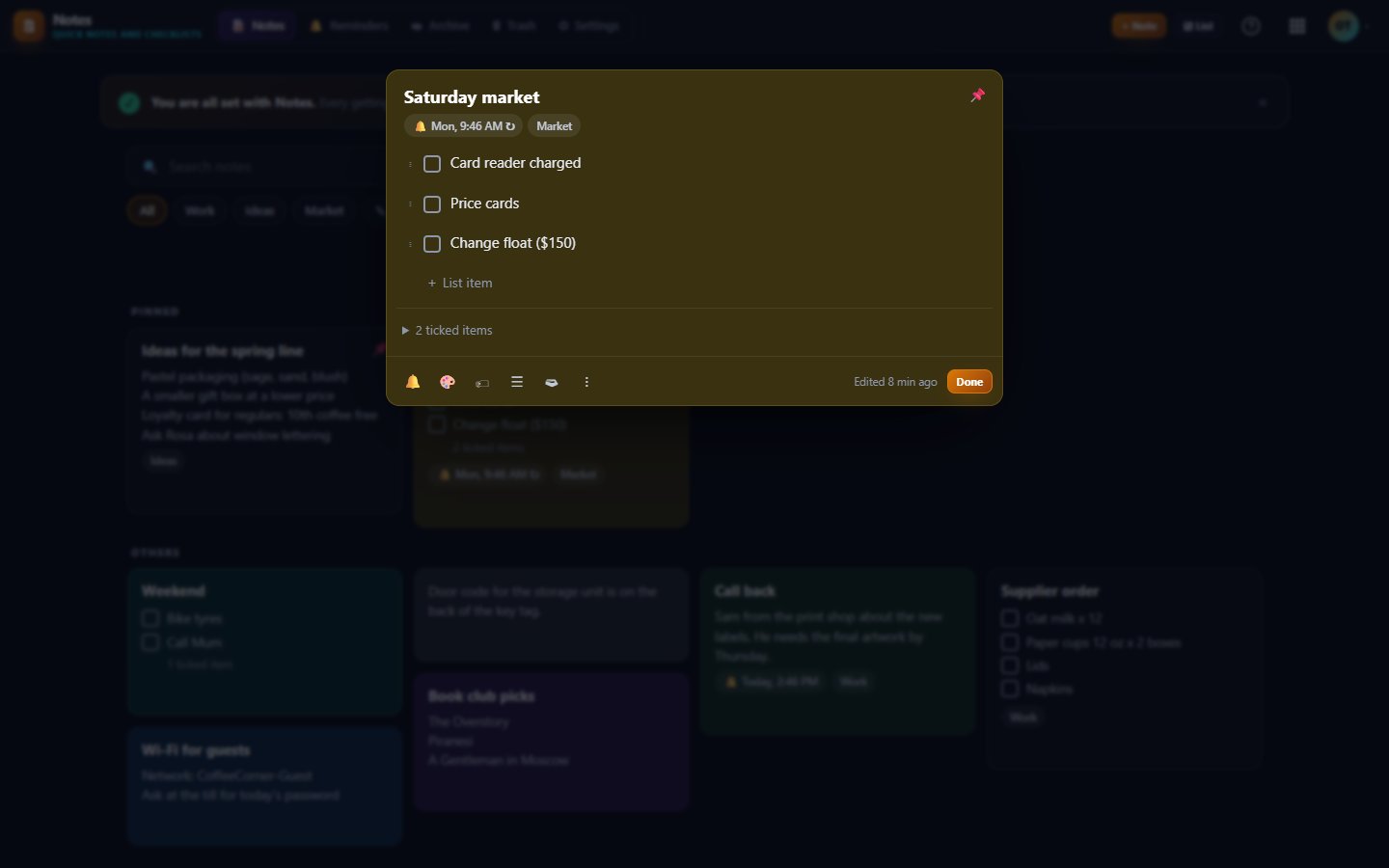
Turn any note into a checklist and back again. Drag items to reorder them, and ticked items fold away so the list stays short.
Pick from 11 colors, add labels you can rename across every note, pin what matters and archive what is done. Press one key to search.
Set a time, then repeat daily, on weekdays, weekly, monthly or yearly in your own time zone. Reminders ring in your WAI bell, and an e-mail to yourself is optional.
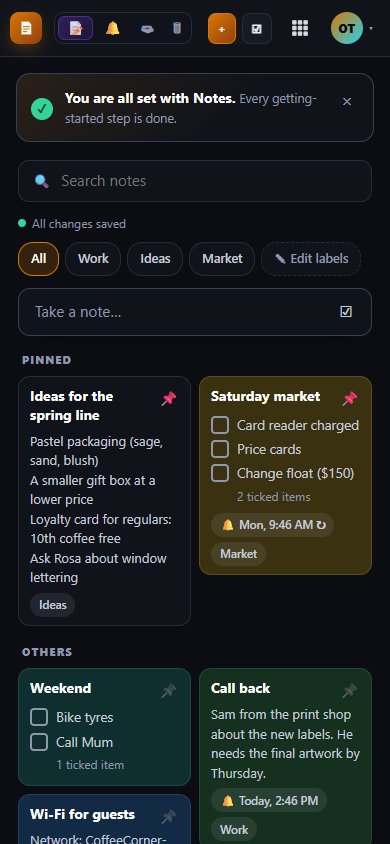
Install Notes on your phone or computer. Your notes are kept on the device and sync to your other devices as soon as you connect.
If two devices change the same note, the newest edit wins and the other one is kept in version history, ready to restore.
Up to 100 notes, counting active and archived notes. Notes in Trash do not count.
Unlimited notes for 2 users, plus API access and webhooks for your own tools.
Unlimited notes with 5 users included, more seats available, and the same API and webhooks.
One subscription covers this app and every other business app: Free $0, Starter $19/mo, Business $49/mo for 5 users.
| Limit | Free | Starter | Business |
|---|---|---|---|
| Notes | 100 | Unlimited | Unlimited |
We show a banner as you get close. At the limit you can still open, edit, archive and delete your notes, but a new note has to wait until you clear some space or move to Starter.
Not today. You can make a read-only share link for any note and turn it off at any time, but editing a note together is not built yet. You can also export all your notes as Markdown or JSON.
Not yet. Notes holds text and checklists only. For sketches, use Whiteboard in Diagrams.
Signing out removes the copy kept on that device, for your privacy, and your notes come back when you sign in again. Deleted notes wait in Trash for 30 days before they are erased.
Free tier. No credit card. Change or cancel any time.
Open Notes →