Upload a PDF, place the fields and get it signed on any phone or computer
Upload a PDF, drag signature, initials, date and text fields onto it and send it to be signed on any phone or computer. Signers need no account, and everyone gets the signed PDF with a certificate of completion and full audit trail.
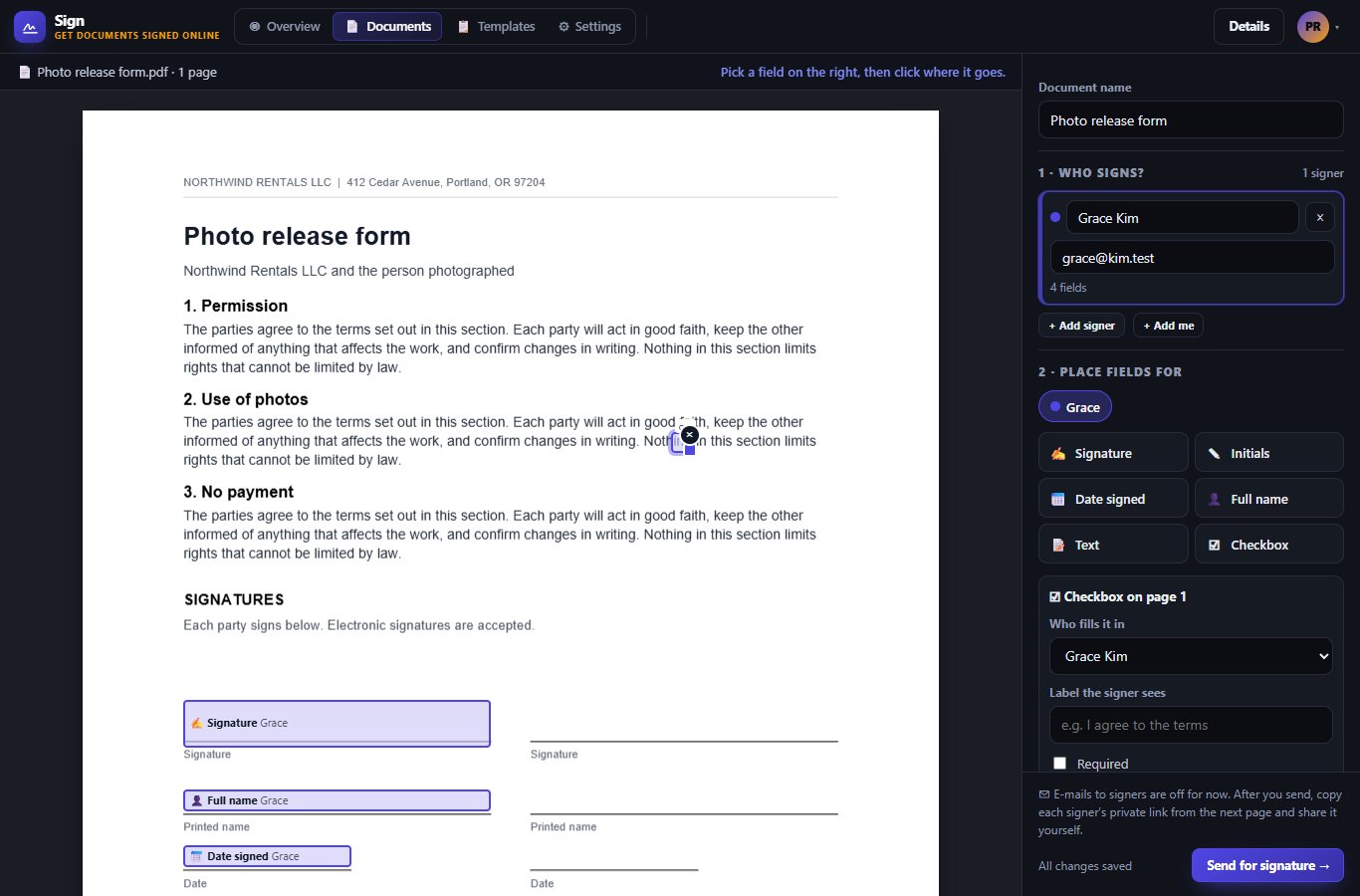
Sign is for anyone who needs a lease, an offer letter, a waiver or an agreement signed without printing and scanning. You upload the PDF you already have, drop signature, initials, date and text fields where they belong, and send each signer their own private link.
Signers need no account. When everyone is done, you all get the signed PDF with a certificate of completion.
Upload a PDF up to 20 MB and 200 pages. Drag signature, initials, date, name, text and checkbox fields onto any page, on a computer or a phone.
Signers agree to sign electronically, are guided from field to field, and type, draw or upload their signature. They can also decline with a reason.
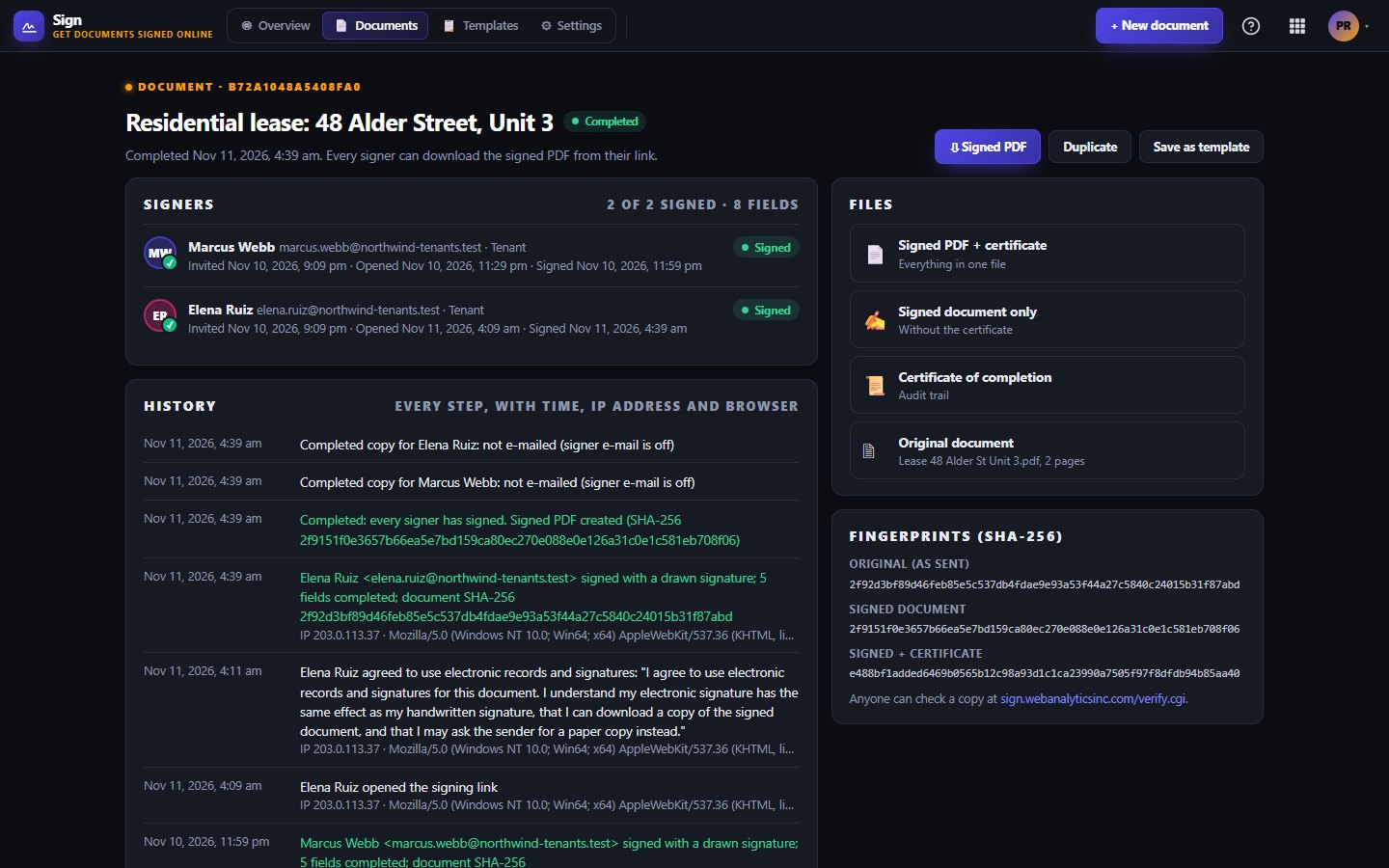
Fields are written into the original PDF, and a certificate lists each signer, when they opened, agreed and signed, and a full audit trail.
Anyone can drop a signed file on the public verify page to confirm it matches what was signed.
Switch to Advanced to save templates, set a signing order, add reminders, show your logo and colour on the signing page, and expire links.
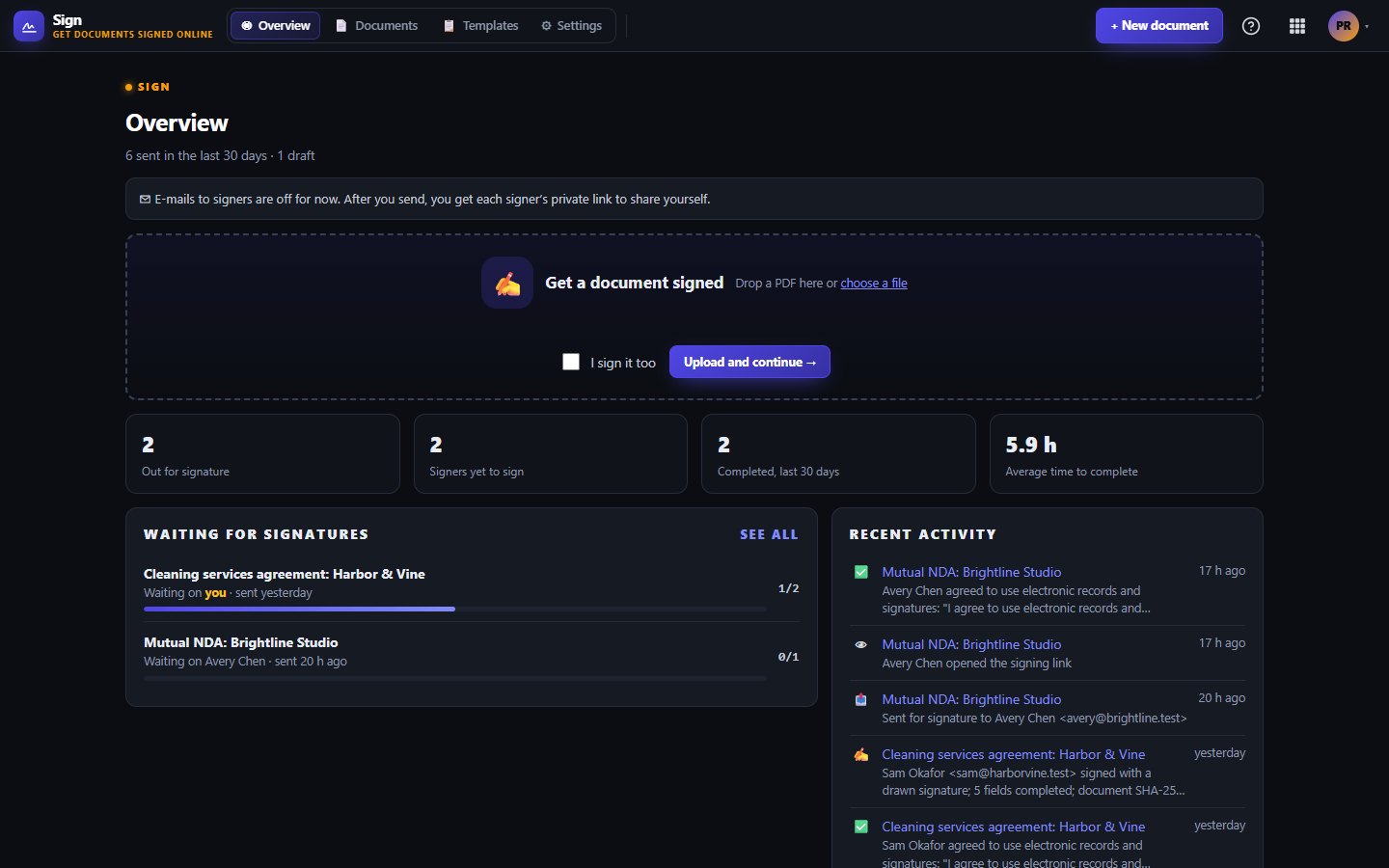
See what is out, completed or declined and whose turn it is. Remind, void or send a fresh link at any time.
Free lets you send 3 documents a month and keep 1 template.
Starter lets you send 50 documents a month with 25 templates, 3 API tokens and 5 webhook endpoints.
Business removes the send and template limits, with 10 API tokens and 20 webhook endpoints.
One subscription covers this app and every other business app: Free $0, Starter $19/mo, Business $49/mo for 5 users.
| Limit | Free | Starter | Business |
|---|---|---|---|
| Documents sent a month | 3 | 50 | Unlimited |
| Templates | 1 | 25 | Unlimited |
| API tokens | Not included | 3 | 10 |
| Webhook endpoints | Not included | 5 | 20 |
Sending the invite by e-mail switches on at launch. Until then you copy each signer's private link from the document page and send it yourself.
No. They open their link on any phone or computer, agree to sign electronically and finish in a few taps.
Signers agree to sign electronically, and the certificate records who signed, when and from where. Rules differ by country and document type, so check with your own adviser for anything unusual.
We count documents you send in the last 30 days. Drafts do not count until you send them.
Free tier. No credit card. Change or cancel any time.
Try Sign →