Bug reports with the screenshot, browser and steps already attached
Bug tracking with a report button for your website that captures a screenshot, browser details, console errors and the steps that led there. Triage, assign, fix and tell the reporter.
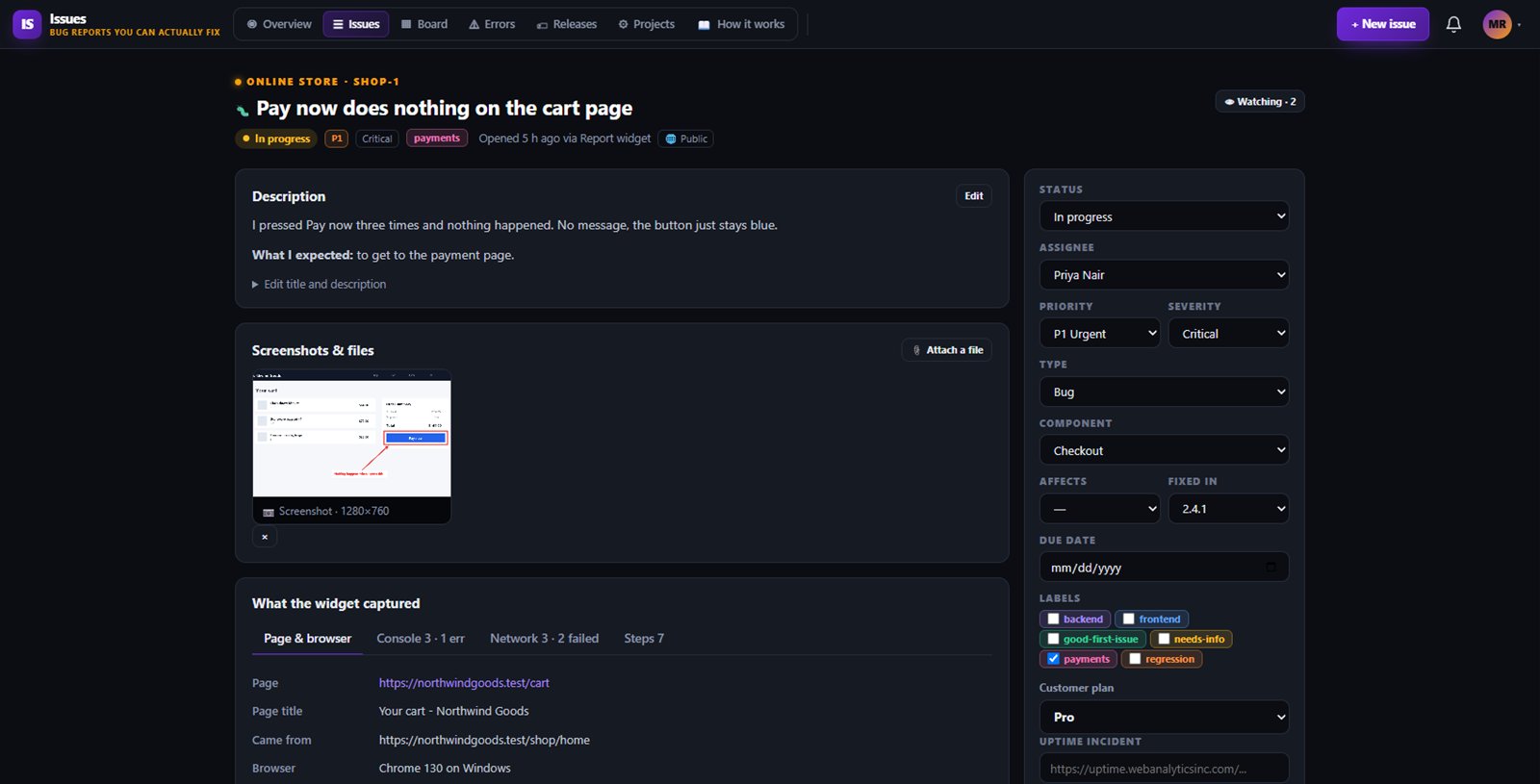
Most bug reports say it does not work and little else, so your team spends more time asking questions than fixing. Issues adds a Report a problem button to your website that sends a screenshot, browser details, console errors and the steps that led there.
Your team triages, assigns and fixes it in one place, and can catch JavaScript errors automatically before anyone reports them.
Add one script tag. Visitors describe the problem, capture or upload a screenshot and mark it up with arrows, boxes, blur and text. What people type is never recorded, and e-mail addresses and card numbers are hidden in what we keep.
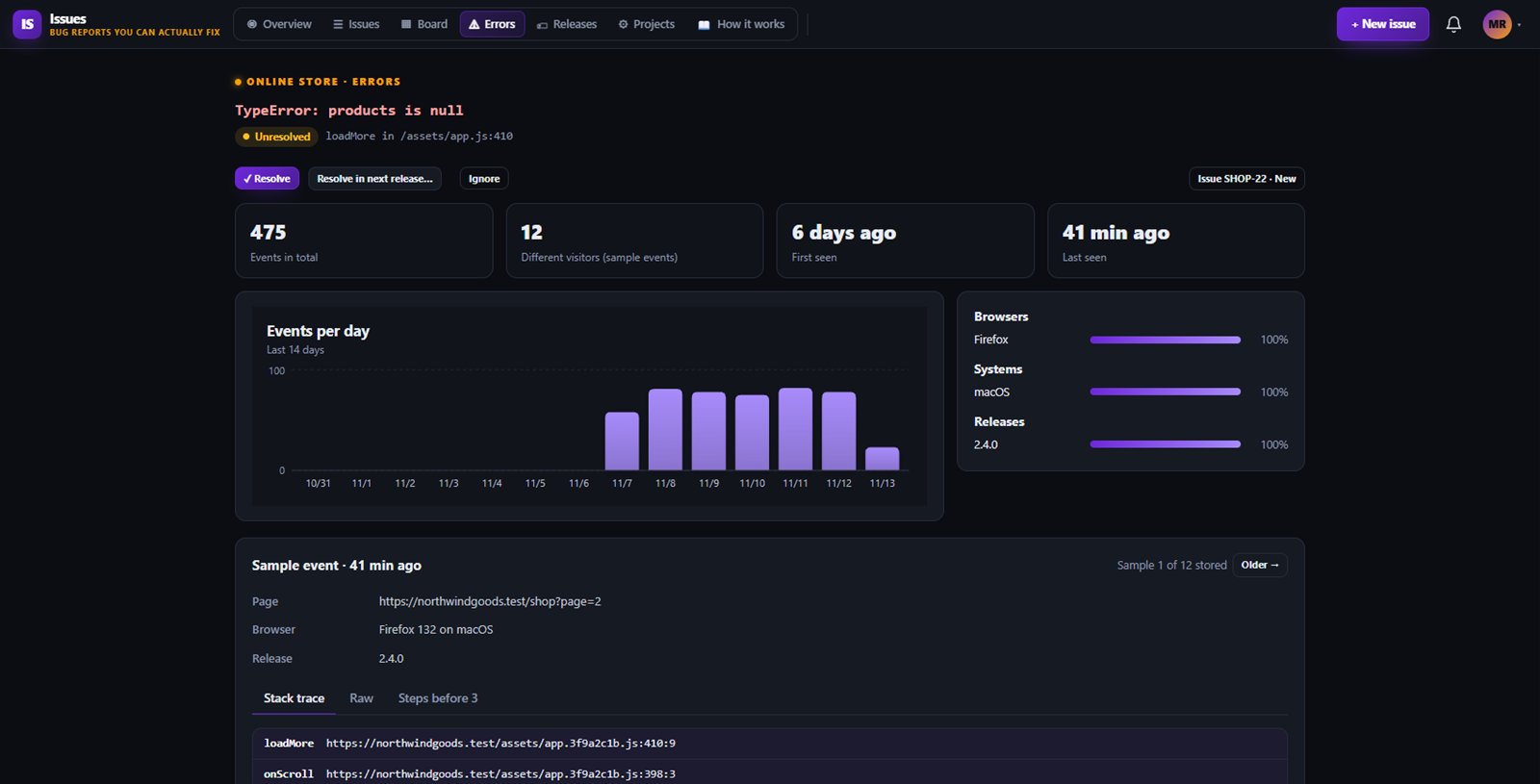
Turn on error capture and crashes are grouped into one issue per cause, with counts, browsers affected, stack traces and the steps before. A fixed error that comes back reopens its issue.
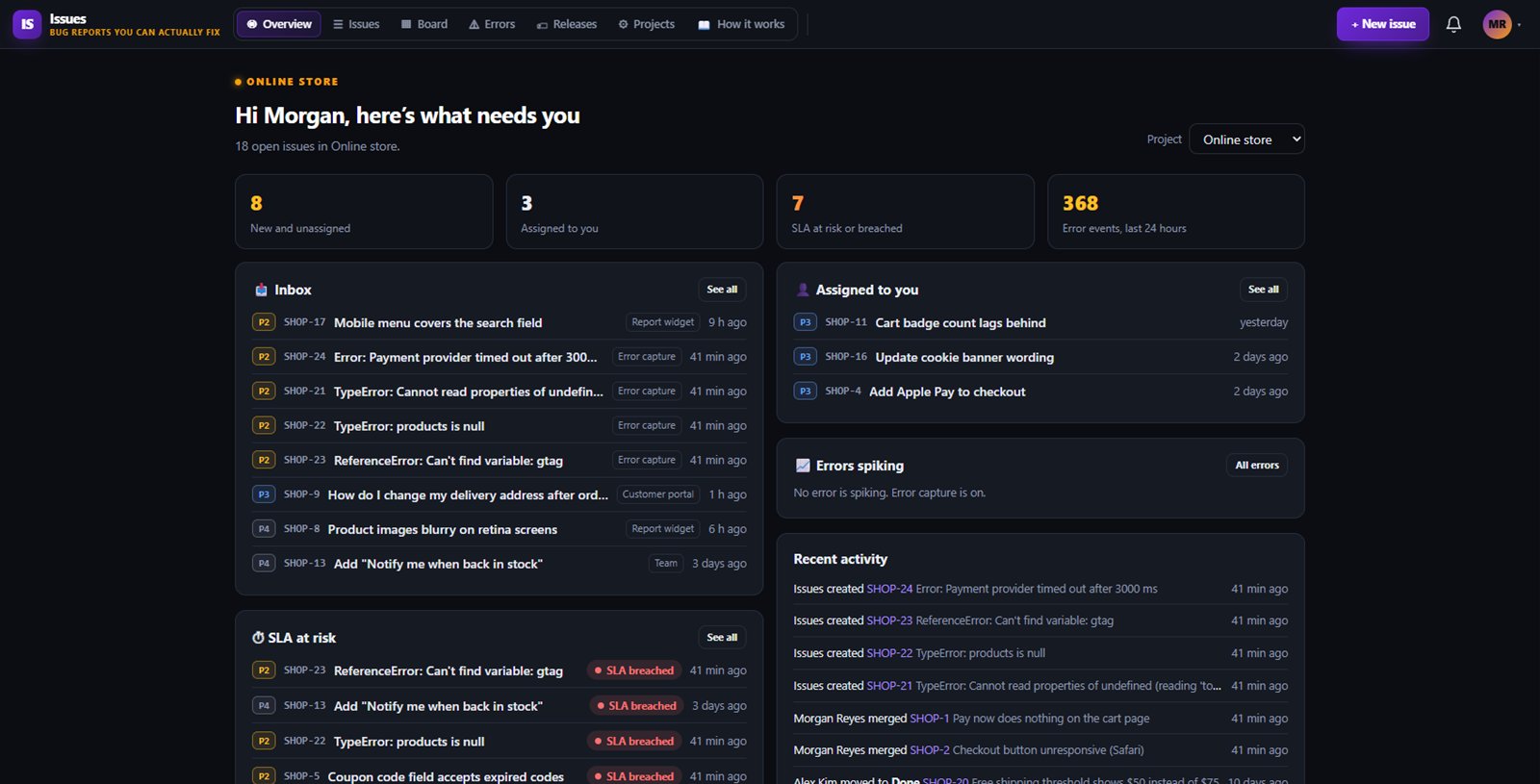
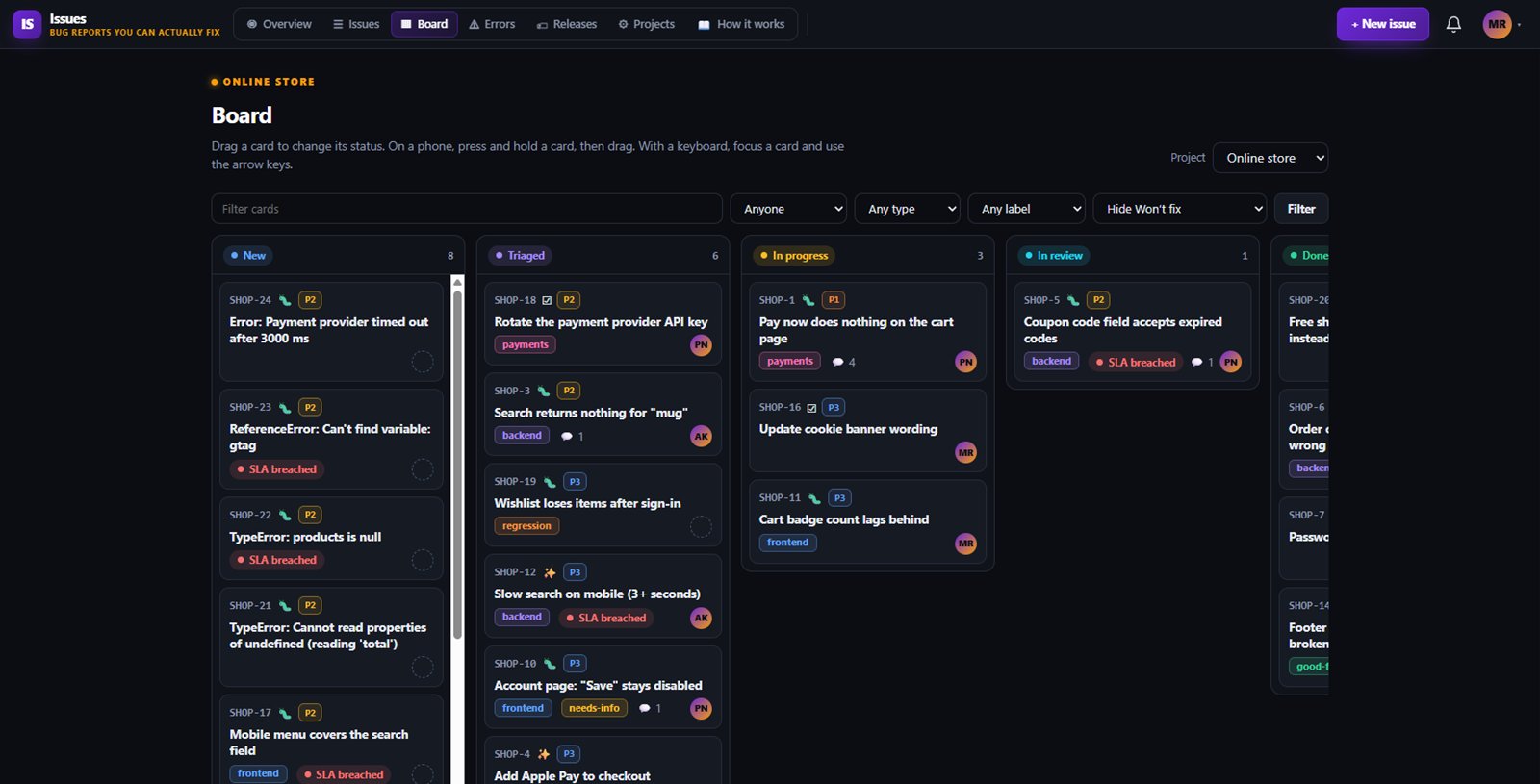
Priorities, owners, labels, components, versions, custom fields, saved views and bulk edits. Merge duplicates, link related issues and use a board for planning.
Set first response and resolution targets per priority with your business hours. Issues at risk or past due are flagged and their owners get a bell notice.
Turn on a branded page where your customers report problems, see known issues and follow their own reports with a private link.
Free includes 1 project with the report button, error capture and customer portal.
Starter gives you up to 10 projects and adds the Issues API and webhooks.
Business gives you unlimited projects, with the API and webhooks.
One subscription covers this app and every other business app: Free $0, Starter $19/mo, Business $49/mo for 5 users.
| Limit | Free | Starter | Business |
|---|---|---|---|
| Projects | 1 | 10 | Unlimited |
No. It runs in its own sealed box, so your page styles cannot break it and it does not change your page. You can also hide the floating button and open the form from your own menu.
Not yet. Sending e-mail to reporters is switched off until launch. Today reporters follow their report on a private page they get after sending, and your team members can turn on their own e-mail notices.
The page address, browser and screen details, recent console messages, failed requests without their contents, and the buttons and links clicked. It never records what people type, and the form shows a What we send list with a switch to leave technical details out.
Your existing projects keep working. You cannot create another project until you upgrade or archive one.
Free tier. No credit card. Change or cancel any time.
Try Issues →